How an AI Nail Art Design App Is Revolutionizing Your Manicure Experience
Discover how an AI nail art design app is revolutionizing manicures with machine learning, image recognition, and AR for instant, creative designs.

Estimated reading time: 5 minutes
Key Takeaways
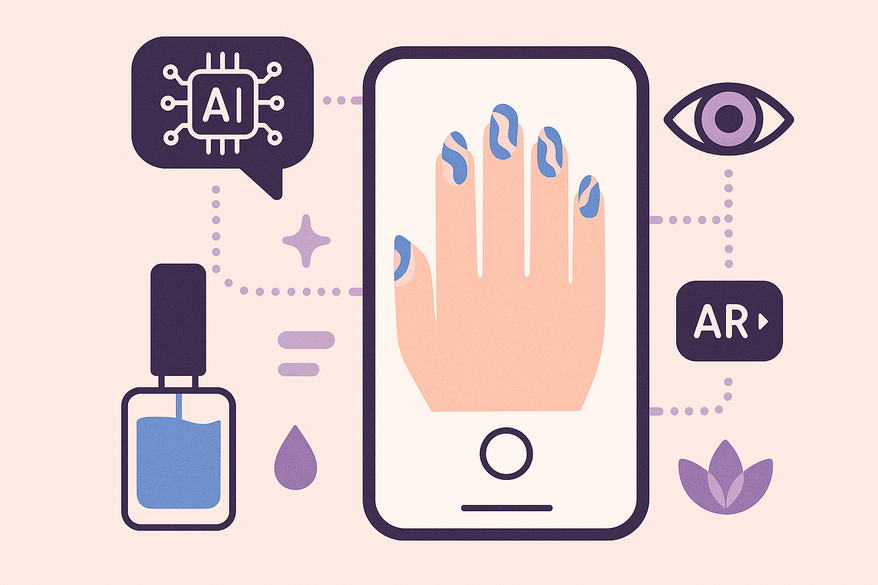
- Seamless AI Integration: Combines machine learning, image recognition, and augmented reality for instant, professional-quality nail designs.
- Rapid Ideation: Generates unique nail art in seconds versus hours of manual sketching.
- Personalized Previews: Virtual try-on and customization tools allow users to preview and perfect their manicure before application.
- Optimized Placement: Analyzes nail dimensions, skin tone, and texture to fine-tune patterns for each user.
Table of Contents
- Section 1: The Role of AI in Nail Art with an AI Nail Art Design App
- Section 2: Key Features and Benefits of an AI Nail Art Design App
- Section 3: How an AI Nail Art Design App Works—Step-by-Step Workflow
- Conclusion: AI Nail Art Design App
- FAQ
Section 1: The Role of AI in Nail Art with an AI Nail Art Design App
Artificial intelligence brings fresh creativity to nail art. By using advanced pattern recognition and generative algorithms, an AI nail art design app can craft unique designs in seconds.
- Data Training: AI models like GANs (Generative Adversarial Networks) train on thousands of nail art photos to learn color blends, line work, and style trends.
- Trend Detection: The system ingests runway shots, magazine spreads, and social media posts to spot emerging motifs.
- Style Synthesis: Once trained, AI fuses learned patterns to propose novel aesthetics.
Speed and Scale
- Manual sketching of ten designs can take hours.
- AI can render the same volume in under a minute, freeing artists to focus on application.
According to Beauty Launchpad reports, AI-driven apps analyze individual nail dimensions, skin tone, and texture to fine-tune pattern placement. Microsoft’s guide on everyday AI explains that real-time concept generation empowers both amateurs and professionals to iterate rapidly.
Section 2: Key Features and Benefits of an AI Nail Art Design App
Design Customization and Generation
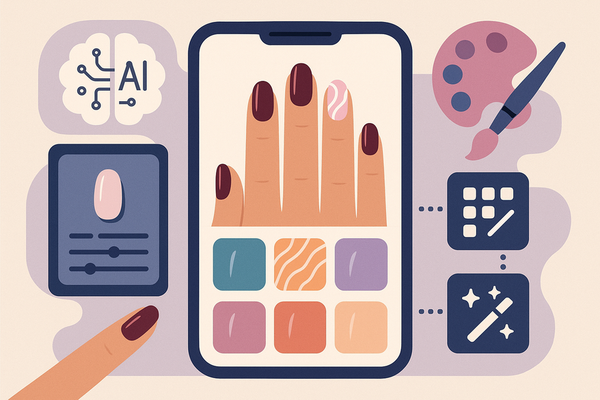
- Color Themes: Greyscale, Metallic, Gradient, Pastel, Warm, Cold.
- Styles: Modern, Elegant, Minimalist, Romantic, Futuristic, Playful.
- Palettes: Vibrant, Sophisticated, Mystical, Cozy.
Benefit: Users explore diverse palettes without manual mixing or second-guessing.
Virtual Try-On Technology
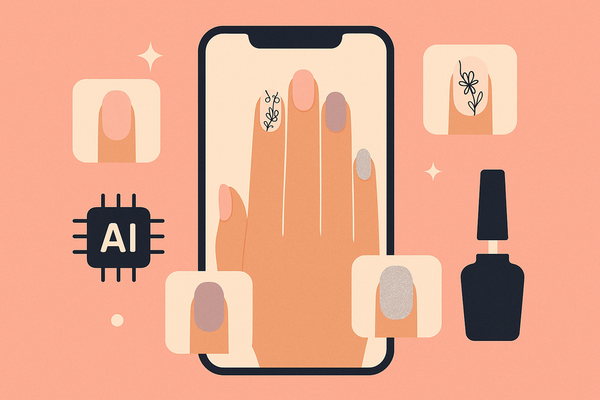
- AR Preview: Live camera overlay of designs on your actual nails.
- Realism: Accurate color matching, texture simulation, and finish preview.
Benefit: “Never regret a manicure again” by testing looks before booking. You can also see detailed insights on digital nail polish color matching.
Section 3: How an AI Nail Art Design App Works—Step-by-Step Workflow
Step-by-step workflows may vary by app, but generally:
- Scan: Point your camera to capture nails in real time.
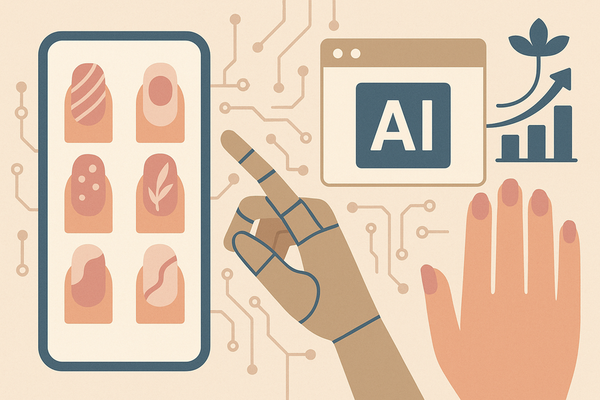
- Select: Choose from AI-generated templates or upload inspiration images.
- Customize: Adjust colors, patterns, and effects to fit your style.
- Preview: Use AR to view designs on your hand and make final tweaks.
- Save & Share: Export designs or share directly with your nail artist.
Conclusion: AI Nail Art Design App
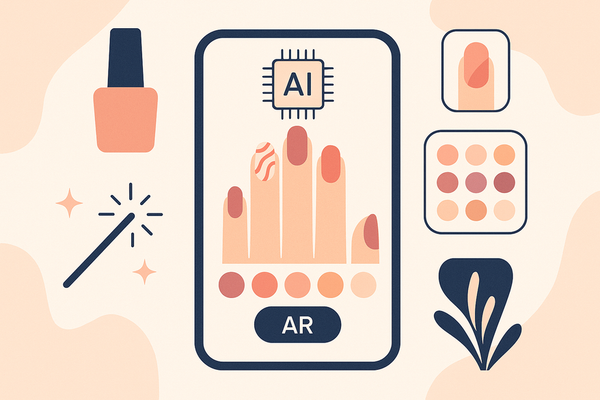
An AI nail art design app redefines manicure creativity. It combines machine learning, image recognition, and augmented reality to deliver tailored designs in seconds. From color palette generation to real-time AR previews, these apps save time, boost innovation, and guarantee satisfaction.
For a deeper dive into AI-driven nail art, check out AI-driven nail art. For an all-in-one glow up and personalized beauty assessment, try Maxx Report, the AI-powered looksmaxx app for holistic transformation.

FAQ
How accurate are the AR previews?
The AR feature uses advanced color matching and texture mapping, ensuring that virtual designs closely mimic real-world application under various lighting conditions.
Can I upload my own inspiration photos?
Yes. Most AI nail art apps allow you to import images from your gallery, which the AI then analyzes to generate custom templates.
Is my personal data secure?
Reputable apps encrypt user images and design preferences. Always review privacy policies to confirm data handling practices.
Which devices support these AI apps?
They generally run on iOS and Android smartphones with AR-capable cameras. Check the specific app requirements in your device’s app store.