Transform Your Manicure with AI Nail Art Design App
Discover how an AI nail art design app can revolutionize your manicure with innovative features, creativity boosts, and personalized designs at home or in the salon.

Estimated reading time: 7 minutes
Key Takeaways
- AI nail art apps streamline creativity with instant, mess-free mockups.
- Combining machine learning, computer vision, and AR for precise previews.
- Significant time savings in salons and empowerment of DIY enthusiasts.
- Future innovations include 3D modeling, smart polish printers, and sustainability.
Table of Contents
- What Is an AI Nail Art Design App?
- How AI Enhances Nail Art Design
- Key Features of Leading AI Nail Art Design Apps
- How to Use an AI Nail Art Design App
- Impact on the Beauty Industry
- Future Trends & Innovations
- Frequently Asked Questions
What Is an AI Nail Art Design App?
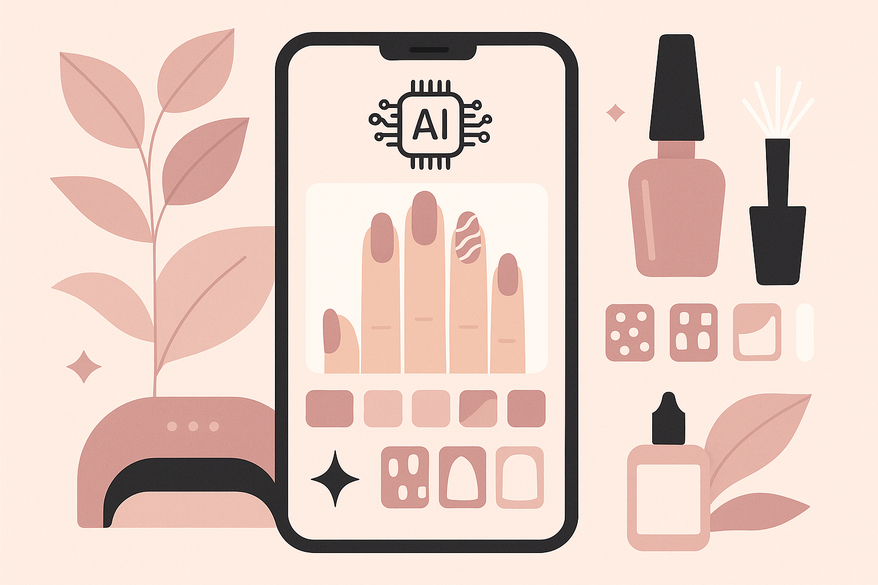
An AI nail art design app is a mobile or web-based platform that leverages artificial intelligence to generate, customize, and preview personalized nail designs in seconds. No more guesswork—just your ideas transformed into photorealistic mockups.
Key Technologies Behind the App
- Machine Learning & Generative AI
– Models train on thousands of runway looks and trend boards to craft unique designs from simple text prompts. See NVIDIA’s deep learning AI. - Computer Vision & Image Recognition
– Detects nail boundaries, finger shape, skin tone, and lighting to place artwork precisely. Learn more on Wikipedia. - Augmented Reality (AR)
– Provides real-time virtual try-ons that match your hand angle and room lighting. Explore insights at Morgan Stanley.
How AI Enhances Nail Art Design
Traditional nail art often means sketching by hand or trialing tips—slow, messy, and hit-or-miss. AI nail art apps revolutionize this process by automating ideation and offering live previews.
Core Enhancements
- Design Suggestions & Generation
• Enter prompts like “floral ombre matching my dress,” and AI serves up multiple mockups. - Virtual Try-Ons
• Use AR to preview designs on your hands in real time, complete with nail length and skin tone adjustments. - Personalized Recommendations
• AI analyzes your past selections, mood tags, and trending styles from social media. - Speed & Creativity Boost
• Generate concepts in seconds vs. hours and tap into trend forecasts like marble swirls or minimalist line art. - Step-by-Step Guides
• Breaks down complex art into simple DIY steps—perfect for beginners.
Users report feeling more inspired and saving hours on concept work. Read the Allure feature on AI nail art apps for more.
Key Features of Leading AI Nail Art Design Apps
Top platforms offer a rich toolkit to fuel your creativity:
- Text-to-Image Generation
• Converts your text prompts into photorealistic nail visuals.
• Example: CapCut Web AI Nail Art at CapCut AI Nail Art. - AR Try-Ons & 3D Editing
• Overlays designs on user photos; adjust nail length, shape, and angle.
• Example: Naila – AI Nail Art Designer on App Store. - Trend Prediction
• Mines social media for fresh color palettes and motifs.
• Example: Looksmaxx Report app at Looksmaxx. - Customization Tools
• Style mapping, accessory placement, color blending, and texture sliders.
• Example: ReelMind AI platforms at ReelMind AI. - Guided Application
• Step-by-step tutorials show brush angles, strokes, and layering for flawless results. - Collaboration & Sharing
• Share designs with salon pros or friends for feedback, speeding up consultations.

How to Use an AI Nail Art Design App
Follow these simple steps to achieve pro-quality designs:
- Download & Setup
• iOS/Android: Search “Naila” or “Fotor AI Nail Generator.”
• Web: Visit the Fotor site or CapCut web tools. - Capture Your Hands
• Use good lighting, a neutral background, and hold the camera level.
• Select your nail length and shape in the app. - Input Ideas
• Type text prompts (e.g., “ombre sunset nails”).
• Upload reference photos or browse in-app trends and palettes. - Generate & Customize
• Tap “Create” to view AI options.
• Adjust color, glitter, and gem placement with sliders. - Preview & Save
• Use AR try-on for all-angle views.
• Save high-resolution images for your salon or to print. - Apply
• Follow the in-app guide, using recommended polishes and tools.
• Recreate the look or show it to your nail technician.
Salons report 40% faster client approvals with these tools. See the BeautyTech News study.
Impact of AI Nail Art Design Apps on the Beauty Industry
The global beauty market tops $500 billion, and AI is a key growth driver:
- Salon Efficiency
Faster consultations, fewer product samples, and reduced waste. - Personalized Service
Custom looks based on client history and preferences. - DIY Empowerment
Lower skill barriers and global trend sharing. - New Revenue Streams
In-app purchases for premium designs and tools. - Data-Driven Insights
Salons track popular styles and stock accordingly.
Source: Beauty Personal Care Market report.
Future Trends & Innovations for AI Nail Art Design Apps
- 3D Modeling & Haptics
Full nail simulations with texture feedback devices. - Real-Time Global Trend Co-Creation
AI blends style data from New York runways to Seoul street art. - Integration with Smart Devices
Smart polish printers guided by AR for exact patterns. - Sustainability Impacts
Accurate previews reduce polish and glitter waste. - Broader AI Convergence in Beauty
Skincare and makeup apps integrating nail art modules.
Conclusion & Call-to-Action
AI nail art design apps bring professional creativity to your fingertips. We’ve covered what they are, how they work, top features, usage steps, industry impact, and future innovations. Now it’s your turn: download an AI nail art app today to unlock instant inspiration and salon-quality manicures at home.
Share your favorite designs and experiences in the comments below. To track your complete beauty journey—including nails, skincare, and grooming—visit Maxx Report.
FAQ
- What platforms support AI nail art apps?
Most leading apps are available on iOS, Android, and as web-based tools. - Are these apps free?
Many offer free basic features with premium in-app purchases for advanced designs. - Can I recreate the designs at home?
Yes—apps include step-by-step guides, recommended tools, and polish matches.